Introduction
PDF files are one of the most trusted formats for sharing documents because they preserve text, images, fonts, and layouts across different devices and operating systems. Businesses use PDFs for contracts, invoices, reports, and presentations, while students rely on them for assignments, lecture notes, and research papers. Although PDFs are convenient, large file sizes can make them difficult to upload, email, download, or store.
Compressing a PDF reduces its file size without significantly affecting its appearance or readability. The challenge is finding the right balance between file size and document quality. Compressing too aggressively may result in blurry images, unreadable text, or poor printing quality. Fortunately, there are several effective techniques that reduce PDF size while preserving the professional look of your documents.
This guide explains the best ways to compress PDF files while keeping quality, helping you optimize documents for sharing, storage, and online use.
Why PDF Compression Matters
Large PDF files create several problems.
They take longer to upload and download.
Email services often reject oversized attachments.
Cloud storage fills up more quickly.
Slow downloads reduce productivity.
Website visitors may leave if downloadable files take too long to load.
Compressing PDF files improves efficiency while making documents easier to manage.
Understanding PDF Compression
PDF compression is the process of reducing a document’s file size by optimizing the information stored inside it.
This may include compressing images, removing unnecessary data, optimizing fonts, reducing metadata, and eliminating duplicate elements.
Good compression preserves document quality while reducing storage requirements.
The goal is to create the smallest possible file without affecting readability.
Benefits of Compressing PDF Files
Optimized PDF documents provide many advantages.
Faster file sharing.
Lower storage requirements.
Improved website performance.
Quicker downloads.
Easier email attachments.
Better cloud storage management.
Improved user experience.
Reduced bandwidth usage.
These benefits make compression valuable for both personal and professional document management.
Identify What Makes a PDF Large
Before compressing a document, understand why it has a large file size.
High-resolution images.
Scanned pages.
Embedded fonts.
Large graphics.
Unnecessary metadata.
Interactive elements.
Duplicate resources.
Knowing the cause helps you choose the most effective optimization method.
Optimize Images Inside the PDF
Images are usually the largest contributor to PDF file size.
Reducing image resolution slightly often produces dramatic size reductions while maintaining excellent visual quality.
Photographs intended for digital viewing rarely require print-quality resolution.
Proper image optimization is one of the most effective compression techniques.
Use Appropriate Image Formats
Images inside PDFs can use different compression methods.
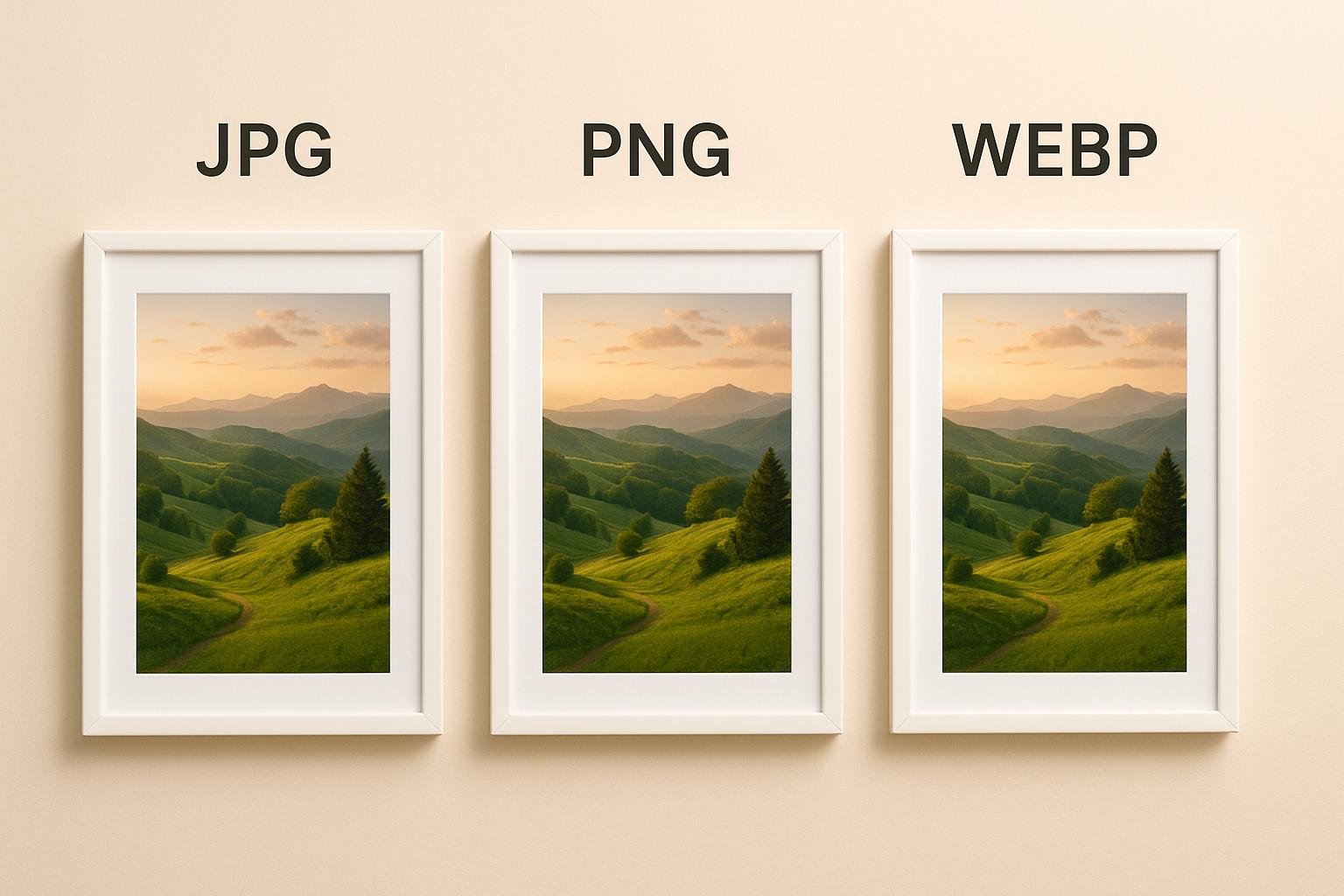
Photographs are usually more efficient when compressed using modern image formats.
Graphics, logos, and illustrations should retain sharp edges while minimizing file size.
Choosing suitable image formats improves both appearance and compression efficiency.
Reduce Image Resolution Carefully
Many scanned documents contain images with unnecessarily high resolution.
Reducing resolution moderately often has little visible effect on screen while greatly reducing file size.
However, avoid lowering resolution too much if the document will be printed.
Always match image quality to the intended purpose.
Remove Unnecessary Metadata
PDF files frequently contain hidden information.
Author details.
Editing history.
Creation dates.
Software information.
Document properties.
GPS information in images.
Removing unnecessary metadata reduces file size while improving privacy.
Eliminate Duplicate Content
Some PDFs contain duplicate fonts, repeated graphics, or redundant objects.
Removing duplicate resources helps reduce overall file size without affecting document appearance.
Optimized documents load faster and occupy less storage space.
Remove Unused Objects
During editing, documents sometimes retain hidden layers, unused images, deleted content, or unnecessary objects.
Cleaning these elements reduces file size while keeping the visible document unchanged.
Document cleanup is an important part of professional optimization.
Compress Scanned Documents
Scanned PDFs are often much larger than digitally created documents.
High-resolution scans produce oversized files.
Optimizing scanned images while maintaining text readability significantly reduces file size.
Modern compression methods preserve readability while minimizing storage requirements.
Maintain Text Quality
Text should remain sharp after compression.
Readable fonts are more important than achieving the smallest possible file size.
Always verify that letters remain clear, especially in small font sizes.
Professional documents prioritize readability over maximum compression.
Preserve Font Quality
Embedded fonts increase compatibility but also contribute to file size.
Unused font information can often be removed without affecting document appearance.
Maintaining only necessary fonts helps reduce document size efficiently.
Compress Before Sharing
Compress PDF files before uploading them to websites, cloud storage, or email services.
Smaller files transfer faster and reduce waiting times for recipients.
Preparing optimized versions in advance improves workflow efficiency.
Keep the Original Document
Never overwrite your original PDF.
Store an uncompressed master copy separately.
If future editing or printing requires higher quality, the original document remains available.
Professional workflows always preserve source files.
Review the Compressed PDF
Always inspect the compressed document carefully.
Check text readability.
Review image quality.
Inspect tables.
Verify page order.
Ensure links still function if applicable.
A final review confirms that quality has been maintained.
Compress Documents According to Their Purpose
Different situations require different compression levels.
Documents intended for online viewing can usually be compressed more aggressively.
Printed reports require higher image quality.
Business contracts demand perfect readability.
Training manuals may balance quality with smaller file sizes.
Adjust compression based on how the document will be used.
Organize Optimized Files
Maintain separate folders for original and compressed versions.
Use clear filenames that distinguish optimized documents from source files.
Good organization prevents accidental overwriting and simplifies future updates.
Common PDF Compression Mistakes
Many users unintentionally reduce document quality by making avoidable mistakes.
Applying maximum compression.
Reducing image resolution too much.
Deleting original files.
Ignoring final quality checks.
Compressing already optimized documents repeatedly.
Removing important embedded fonts.
Using incorrect export settings.
Avoiding these mistakes produces better long-term results.
Best Practices for PDF Compression
Keep original files.
Compress only once whenever possible.
Optimize images before creating the PDF.
Remove unnecessary metadata.
Review the final document carefully.
Maintain readable text.
Use descriptive filenames.
Organize documents properly.
Choose compression settings based on document purpose.
Test files before distributing them.
These best practices ensure excellent quality while reducing file size effectively.
Advantages for Businesses
Businesses exchange thousands of PDF documents every year.
Contracts.
Invoices.
Employee manuals.
Financial reports.
Product catalogs.
Marketing brochures.
Smaller PDF files improve communication, reduce storage costs, increase productivity, and simplify collaboration with clients and employees.
Efficient document management also supports faster customer service.
Benefits for Students
Students regularly download textbooks, lecture notes, research papers, and assignments.
Compressed PDFs occupy less storage space.
Downloads finish faster.
Study materials become easier to organize.
Smaller files synchronize more efficiently across cloud storage services.
These advantages support better academic productivity.
Future of PDF Compression
Document optimization technology continues improving rapidly.
Artificial intelligence now assists with intelligent image compression, duplicate object detection, automatic cleanup, and adaptive optimization based on document content.
Future PDF compression methods will likely provide even smaller file sizes while preserving nearly perfect visual quality.
As cloud storage and digital collaboration continue growing, efficient document optimization will become even more valuable.
Conclusion
Compressing PDF files while maintaining quality is an essential skill for anyone who regularly works with digital documents. Whether you are managing business reports, academic materials, contracts, presentations, or personal records, effective compression improves storage efficiency, speeds up file sharing, and enhances the overall user experience.
By optimizing images, removing unnecessary metadata, cleaning unused elements, preserving text readability, maintaining original files, and reviewing the final document carefully, you can significantly reduce PDF file size without sacrificing professional quality. Following these best practices helps create faster, cleaner, and more efficient documents that are easy to store, share, and access across any device.