Introduction
Images are one of the most powerful tools for capturing attention on social media. Whether you are promoting a business, building a personal brand, running an online store, or sharing creative content, high-quality images can increase engagement and make your posts more appealing. However, uploading images with the wrong dimensions often leads to blurry visuals, unwanted cropping, stretched pictures, or slow loading times.
Every social media platform has its own recommended image sizes. An image that looks perfect on Instagram may appear cropped on Facebook or blurry on X. Learning how to resize images correctly helps maintain image quality while ensuring your content looks professional across every platform.
This guide explains everything you need to know about resizing images for social media. You will learn why image dimensions matter, how to choose the correct size, common mistakes to avoid, and practical tips that help your content stand out.
Why Image Size Matters on Social Media
Many people believe that simply uploading a high-resolution image guarantees excellent quality. In reality, every social media platform automatically compresses and resizes uploaded images.
If your image dimensions are incorrect, the platform may crop important parts of the picture or reduce its quality. Properly resizing images before uploading gives you more control over how they appear.
Correctly sized images provide several benefits.
They appear sharper and more professional.
Important details remain visible.
Posts load faster.
Brand consistency improves.
Engagement often increases because the content looks cleaner and more attractive.
Understanding Image Dimensions
Image dimensions refer to the width and height of an image measured in pixels.
For example, an image measuring 1080 by 1080 pixels is perfectly square. An image measuring 1080 by 1350 pixels is taller and ideal for portrait-style content.
Choosing the correct dimensions ensures your images display exactly as intended without unexpected cropping or stretching.
Understanding Aspect Ratio
Aspect ratio describes the relationship between an image’s width and height.
Common aspect ratios include square, portrait, landscape, and vertical formats.
Maintaining the correct aspect ratio prevents distortion when resizing.
Changing only the width or only the height without maintaining proportions can make people, objects, and text appear stretched or compressed.
Always lock the aspect ratio when resizing images.
Resize Images Before Uploading
One of the biggest mistakes beginners make is uploading original camera photos directly to social media.
Modern smartphones often capture images larger than 4000 pixels wide. Social media platforms automatically reduce these large files, sometimes lowering image quality.
Instead, resize your images before uploading.
Smaller images upload faster, consume less bandwidth, and often look sharper after social media compression.
Choose the Best File Format
Image format affects both quality and file size.
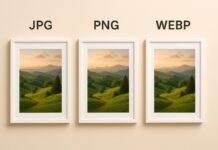
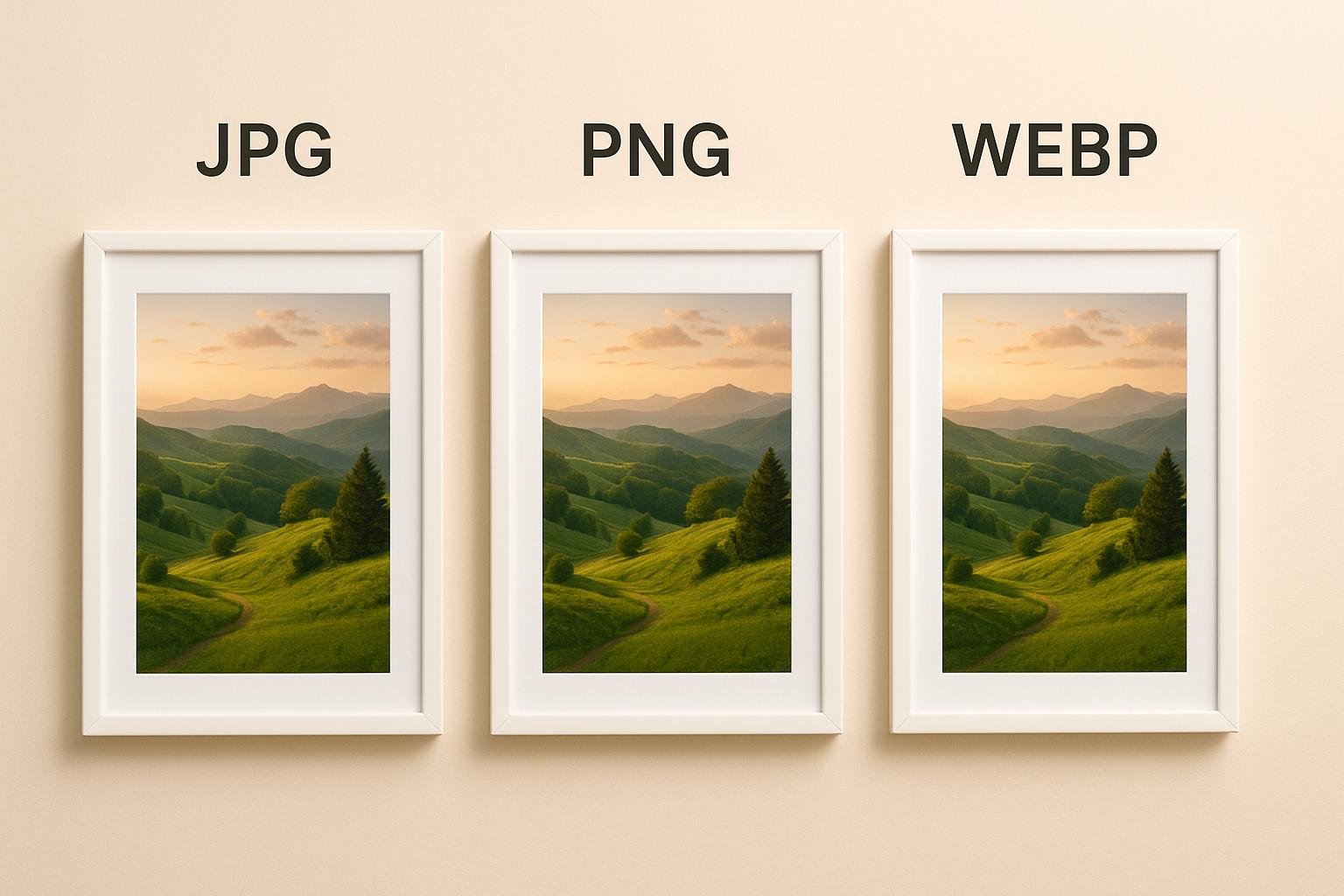
JPG is usually the best choice for photographs because it balances quality with efficient compression.
PNG works better for logos, graphics, illustrations, screenshots, and images requiring transparency.
WebP provides excellent quality with smaller file sizes and is becoming increasingly popular on modern websites.
Using the right format helps preserve image clarity while reducing upload times.
Keep Image Quality High
Resizing should reduce dimensions without noticeably reducing quality.
Avoid excessive compression because it introduces blur and visible artifacts.
Use moderate compression settings that balance quality and file size.
A sharp image creates a stronger first impression than an overly compressed one.
Optimize Images for Facebook
Facebook supports several image formats, but proper sizing helps preserve quality.
Square images perform well in feeds.
Landscape images work well for shared links.
Portrait images attract attention because they occupy more screen space on mobile devices.
Cover photos should be resized separately using Facebook’s recommended dimensions.
Testing your images before publishing helps ensure they display correctly.
Optimize Images for Instagram
Instagram focuses heavily on visual content.
Square images remain popular for standard posts.
Portrait images often receive greater visibility because they occupy more screen space.
Landscape images also work well when composed carefully.
Stories and Reels require vertical images designed specifically for full-screen viewing.
Using the correct dimensions keeps important elements from being cropped.
Optimize Images for X
Images shared on X should be optimized for quick loading and clear presentation.
Landscape images often display well within timelines.
Portrait images may receive automatic cropping if improperly sized.
High-quality but lightweight images improve loading speed and user engagement.
Always preview your post before publishing.
Optimize Images for LinkedIn
LinkedIn audiences expect professional-looking visuals.
Company logos should remain sharp.
Profile photos should be properly cropped.
Banner images require separate dimensions.
Article thumbnails benefit from clear, high-resolution images with minimal compression.
Professional presentation strengthens brand credibility.
Optimize Images for Pinterest
Pinterest relies almost entirely on vertical images.
Tall images generally perform better because they occupy more space in user feeds.
Images should remain clear even after platform compression.
Readable text overlays improve click-through rates.
Consistent image quality helps establish a recognizable visual style.
Optimize Images for YouTube
YouTube creators use multiple image types.
Channel banners.
Profile pictures.
Video thumbnails.
Community posts.
Among these, thumbnails are especially important because they directly influence click-through rates.
Sharp images with readable text attract more viewers.
Use High Resolution Originals
Always keep original high-resolution versions of every image.
If a platform changes its recommended dimensions in the future, you can create new versions without losing quality.
Editing already compressed images repeatedly often reduces sharpness.
Maintaining original files ensures maximum flexibility.
Avoid Stretching Images
Stretching occurs when image proportions are changed incorrectly.
People may appear wider or taller than normal.
Logos become distorted.
Text becomes difficult to read.
Always resize images proportionally while maintaining the original aspect ratio.
This preserves the natural appearance of the image.
Leave Space Around Important Elements
Many social media platforms automatically crop images differently depending on where they appear.
Important text, faces, and logos should remain away from the edges.
Leaving safe margins reduces the chance of essential content being cut off.
This simple design habit improves consistency across platforms.
Compress Images Carefully
Large image files increase upload times without providing noticeable visual improvements.
Compress images moderately before uploading.
Modern compression techniques reduce file size while maintaining excellent quality.
The goal is to create the smallest possible file without visible quality loss.
Use Consistent Branding
If you manage a business or personal brand, maintain consistent image styles across every platform.
Use similar colors.
Apply the same logo placement.
Choose matching fonts.
Maintain consistent spacing.
This creates a recognizable identity that audiences quickly associate with your content.
Organize Social Media Image Templates
Creating templates saves time.
Design separate templates for profile photos, cover images, stories, posts, banners, and thumbnails.
When creating new content, simply replace the images while keeping the dimensions unchanged.
Templates improve consistency and speed up content creation.
Test Images Before Publishing
Preview every image before making it public.
Check the appearance on both desktop and mobile devices.
Look for blurry sections.
Ensure important content remains visible.
Verify text readability.
Testing prevents mistakes that could reduce engagement.
Common Image Resizing Mistakes
Many beginners unintentionally reduce image quality.
Uploading oversized files increases compression.
Using incorrect aspect ratios causes cropping.
Stretching images creates distortion.
Saving files repeatedly lowers quality.
Ignoring platform recommendations leads to inconsistent presentation.
Compressing images too aggressively makes visuals appear blurry.
Avoiding these mistakes helps maintain professional-quality content.
Best Practices for Social Media Images
Resize images before uploading.
Maintain the original aspect ratio.
Choose the correct file format.
Use moderate compression.
Keep original high-resolution files.
Follow recommended dimensions for each platform.
Leave safe margins around important content.
Test images before publishing.
Maintain consistent branding.
Update templates when platform requirements change.
Following these best practices ensures your content looks polished across every social media platform.
Future Trends in Social Media Images
Social media platforms continue improving image processing technologies.
Higher-resolution displays, faster mobile devices, and better compression algorithms allow creators to publish increasingly detailed visuals without sacrificing speed.
Modern formats such as WebP and AVIF are becoming more common because they provide outstanding quality while reducing file size.
Content creators who adapt to these improvements will enjoy faster uploads, sharper images, and better user experiences.
Conclusion
Resizing images correctly is an essential part of successful social media marketing. Every platform uses different dimensions and compression methods, making it important to prepare images before uploading. Choosing the right size, maintaining the correct aspect ratio, using appropriate file formats, and applying careful compression all contribute to better-looking content.
Well-optimized images load faster, appear sharper, improve engagement, and strengthen your brand’s professional appearance. Whether you create content for Facebook, Instagram, X, LinkedIn, Pinterest, YouTube, or other social media platforms, following these resizing best practices will help your images stand out while delivering a consistent and high-quality experience for your audience.