Introduction
Choosing the right image format is one of the most important decisions when creating a website, writing a blog, managing an online store, or sharing content on social media. Images improve the appearance of web pages, attract visitors, and make information easier to understand. However, using the wrong image format can slow down your website, reduce image quality, increase storage space, and negatively affect search engine rankings.
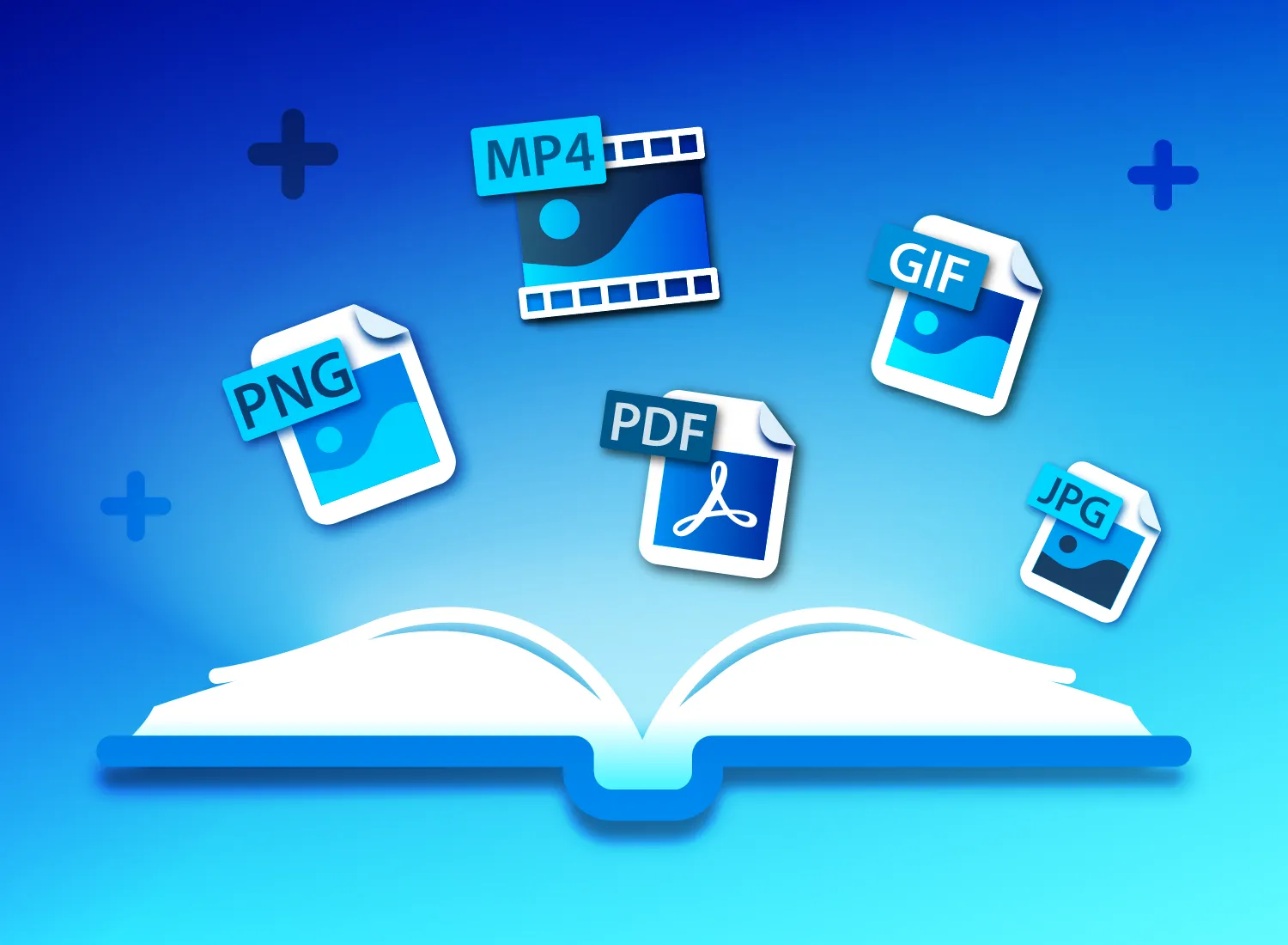
Among the most popular image formats today are PNG, JPG, and WebP. Each format has unique strengths and weaknesses. Some are designed to preserve maximum image quality, while others focus on reducing file size for faster loading speeds. Understanding when to use each format can improve your website’s performance, user experience, and overall professionalism.
This guide explains the differences between PNG, JPG, and WebP in simple language. By the end, you will know exactly which format is best for different situations and how to make the right choice for your projects.
Why Choosing the Right Image Format Matters
Many people upload images without considering the file format. Although the picture may appear fine, it could be much larger than necessary or lose important details after compression.
Selecting the proper format provides several benefits.
Smaller file sizes improve website loading speed.
Faster pages create a better user experience.
Optimized images help improve search engine rankings.
Reduced storage requirements save hosting resources.
Professional-quality images increase visitor trust.
The correct image format can have a noticeable impact on both website performance and visual appearance.
What Is JPG
JPG, also known as JPEG, is one of the oldest and most widely used image formats on the internet. It was developed primarily for photographs and realistic images containing millions of colors.
JPG uses lossy compression, meaning some image data is removed to reduce file size. Modern compression techniques make this quality loss difficult to notice when moderate compression levels are used.
Because of its efficient compression, JPG remains one of the most popular formats for digital photography.
Advantages of JPG
JPG files are usually much smaller than PNG files.
They support millions of colors, making them ideal for photographs.
Most cameras and smartphones save photos in JPG format.
Every web browser, image editor, and operating system fully supports JPG images.
Smaller file sizes improve website loading speed.
Disadvantages of JPG
Repeated editing and saving can gradually reduce image quality.
JPG does not support transparent backgrounds.
Text, logos, and graphics with sharp edges may appear slightly blurry after compression.
High compression levels can create visible image artifacts.
Best Uses for JPG
JPG is an excellent choice for
Digital photography
Travel photos
Food photography
Product images
Lifestyle blogs
News websites
Portfolio galleries
Images containing many natural colors
Whenever file size is more important than perfect pixel accuracy, JPG is usually the best option.
What Is PNG
PNG was created as an improved alternative to older image formats while maintaining high image quality.
Unlike JPG, PNG uses lossless compression. This means image information remains intact even after compression. Every pixel is preserved exactly as it was originally created.
PNG also supports transparent backgrounds, making it extremely useful for graphic design.
Advantages of PNG
Excellent image quality.
No quality loss after saving.
Supports transparent backgrounds.
Perfect for logos and icons.
Ideal for screenshots.
Text remains sharp and easy to read.
Works well for illustrations and diagrams.
Disadvantages of PNG
PNG files are usually much larger than JPG files.
Large file sizes may slow website loading speeds.
Storage requirements are higher.
Photographs often consume unnecessary bandwidth when saved as PNG.
Because of these larger file sizes, PNG should only be used when its unique advantages are actually needed.
Best Uses for PNG
PNG performs best for
Company logos
Website icons
Buttons
Screenshots
Infographics
Charts
Illustrations
Transparent images
Images containing text
Graphics requiring maximum clarity
If preserving every detail is your highest priority, PNG is usually the best choice.
What Is WebP
WebP is a modern image format developed to improve both image quality and compression efficiency.
It combines many advantages of both JPG and PNG while producing significantly smaller file sizes.
WebP supports both lossy and lossless compression. It also includes transparency support similar to PNG.
Today, most modern browsers support WebP, making it one of the best choices for websites.
Advantages of WebP
Much smaller file sizes.
Excellent image quality.
Supports transparent backgrounds.
Supports animation.
Reduces website loading time.
Improves mobile browsing performance.
Helps reduce bandwidth usage.
Excellent for modern websites.
Because of these advantages, many website owners now convert older JPG and PNG images into WebP.
Disadvantages of WebP
Older software may not support WebP editing.
Some outdated browsers may have limited compatibility.
Certain image editing workflows still rely primarily on JPG or PNG.
Although compatibility has improved dramatically, WebP is still newer than traditional formats.
Best Uses for WebP
WebP works exceptionally well for
Business websites
Blogs
Online stores
News websites
Photography galleries
Portfolio websites
Mobile applications
Landing pages
Modern web design
Content management systems
If your audience mainly uses modern browsers, WebP is often the smartest choice.
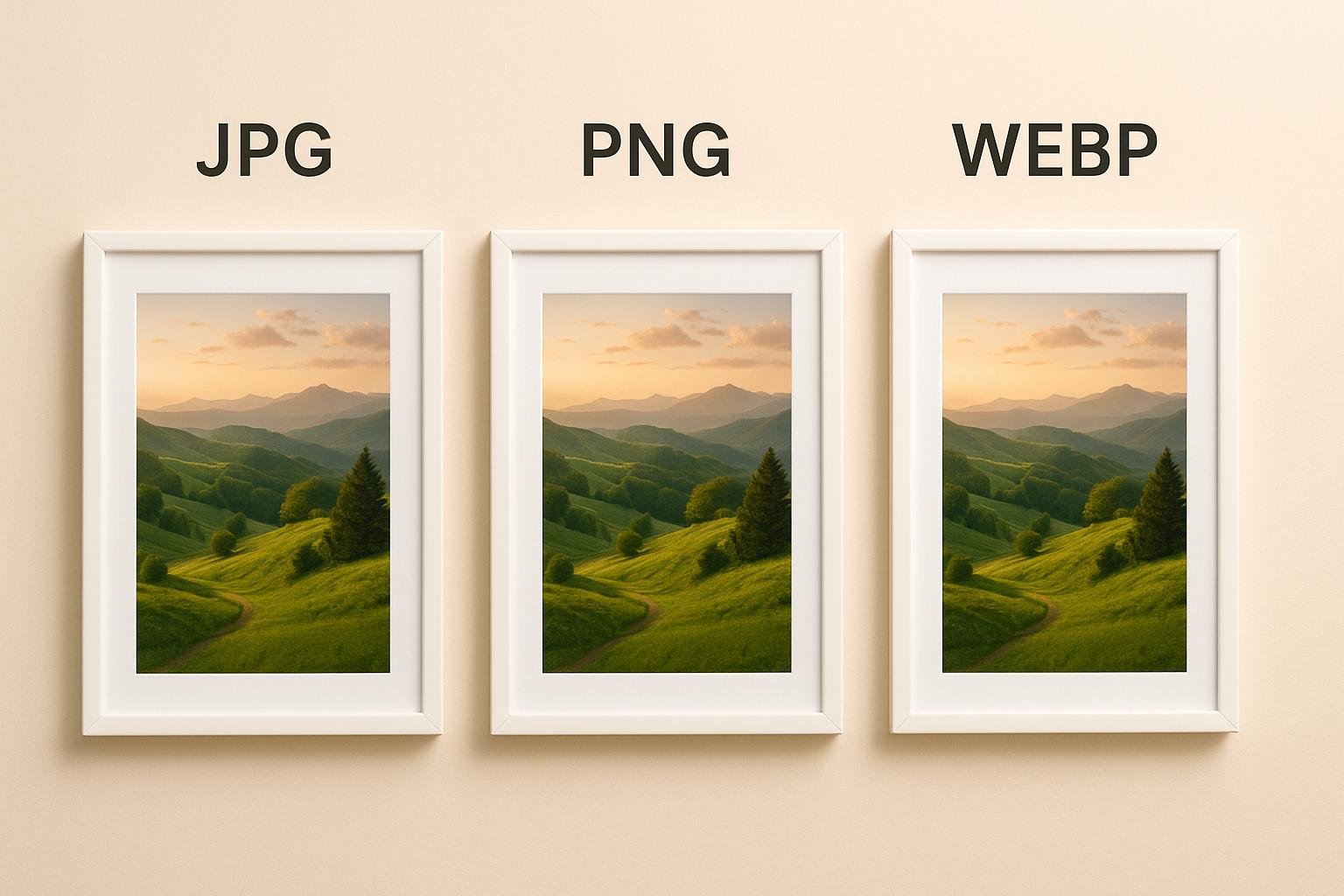
Comparing PNG, JPG, and WebP
Image quality varies depending on the format and compression settings.
PNG offers the highest quality because it uses lossless compression.
JPG provides excellent quality for photographs while keeping file sizes small.
WebP delivers quality similar to PNG or JPG while producing even smaller files.
Regarding transparency, PNG and WebP fully support transparent backgrounds.
JPG does not support transparency.
When comparing file size, WebP usually creates the smallest files.
JPG comes second.
PNG files are generally the largest.
Browser compatibility remains strongest for JPG and PNG because they have existed for many years.
WebP is now supported by nearly all modern browsers, making compatibility far less of a concern than it once was.
Which Format Is Best for Website Speed
Website speed directly affects user experience and search engine optimization.
Large images slow page loading and increase bounce rates.
WebP is generally the fastest format because it combines excellent compression with impressive visual quality.
JPG also performs very well for photographs.
PNG should be reserved for situations where transparency or perfect quality is essential.
Using WebP wherever possible can noticeably improve website performance.
Which Format Is Best for SEO
Search engines reward websites that load quickly.
Optimized images improve Core Web Vitals, user experience, and search rankings.
For SEO purposes
WebP is usually the best option because of its smaller file size.
JPG remains excellent for photographs.
PNG should only be used when necessary.
Remember that image optimization also includes descriptive filenames, meaningful alt text, proper dimensions, and image compression.
Common Mistakes When Choosing Image Formats
Many beginners make simple mistakes that increase file size without improving quality.
Uploading photographs as PNG creates unnecessarily large files.
Saving logos as JPG reduces sharpness.
Ignoring WebP prevents websites from achieving faster loading speeds.
Uploading original camera images without resizing wastes bandwidth.
Compressing JPG files repeatedly reduces quality over time.
Using one format for every image instead of selecting the best option for each situation also limits website performance.
Avoiding these mistakes leads to faster websites and better visual results.
Tips for Choosing the Right Image Format
Think about the type of image before saving it.
Use JPG for photographs with many natural colors.
Choose PNG for graphics, logos, screenshots, and transparent images.
Select WebP whenever browser compatibility allows and website performance is important.
Resize images before uploading.
Compress images carefully without creating visible quality loss.
Keep original high-quality copies in case future editing is required.
These simple habits help maintain professional-looking websites while improving speed.
The Future of Image Formats
Modern websites continue moving toward more efficient image technologies.
WebP has already become a standard for many content management systems and website optimization tools.
Newer formats such as AVIF offer even greater compression efficiency, but WebP currently provides one of the best balances between compatibility, quality, and performance.
As internet users increasingly browse on mobile devices, efficient image formats will become even more important.
Learning to use modern image formats today prepares your website for future improvements in web technology.
Conclusion
PNG, JPG, and WebP each have unique advantages that make them suitable for different situations. JPG remains the best choice for photographs because it provides excellent quality with relatively small file sizes. PNG is ideal for graphics, logos, screenshots, and images requiring transparency or perfect clarity. WebP combines many of the strengths of both formats while producing significantly smaller files, making it an outstanding option for modern websites.
Rather than using one format for every image, choose the format that best matches the content you are creating. A thoughtful approach to image optimization improves website speed, enhances user experience, reduces bandwidth usage, and supports stronger search engine performance.
By understanding the strengths of each format and applying them correctly, you can build faster, more professional websites that look excellent on every device while delivering an outstanding experience for your visitors.