Introduction
Image editing is an essential skill for photographers, graphic designers, content creators, bloggers, business owners, and social media marketers. A well-edited image can capture attention, communicate a message, strengthen a brand, and improve engagement. However, editing an image without the proper knowledge can easily reduce its quality instead of improving it.
Many beginners make editing mistakes that create unrealistic colors, blurry details, excessive sharpening, poor composition, or oversized file sizes. These issues often make images appear unprofessional and can negatively affect websites, advertisements, social media posts, and marketing campaigns.
The good news is that most editing mistakes are easy to avoid once you understand the correct techniques. This guide explains the most common image editing mistakes and provides practical solutions that help you create clean, natural, and professional-looking images every time.
Why Proper Image Editing Matters
Image editing is more than simply applying filters or increasing brightness. Good editing enhances the original photo while preserving its natural appearance.
Professional editing offers several benefits.
Improves visual appeal.
Strengthens brand identity.
Creates consistent content.
Increases social media engagement.
Improves website presentation.
Builds audience trust.
Supports better user experience.
When editing is done correctly, viewers notice the subject instead of the editing itself.
Over Editing the Image
One of the biggest mistakes beginners make is editing too aggressively.
Excessive adjustments to contrast, saturation, clarity, or sharpness often make an image appear fake.
Natural-looking edits almost always produce better results than extreme effects.
How to Avoid It
Make small adjustments gradually.
Zoom out regularly to view the entire image.
Compare the edited version with the original.
Stop editing once the image looks clean and balanced.
Remember that subtle improvements often look far more professional than dramatic changes.
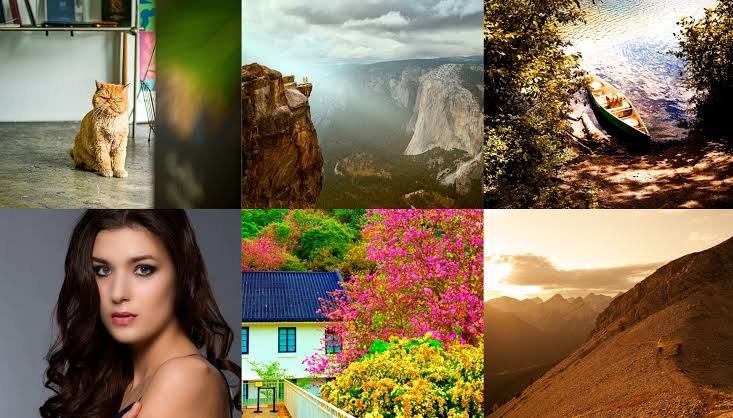
Oversaturating Colors
Increasing color saturation can make an image appear vibrant, but too much saturation creates unrealistic skin tones, unnatural landscapes, and distracting colors.
Overly colorful images often reduce viewer trust because they no longer appear authentic.
How to Avoid It
Increase saturation only slightly.
Adjust individual colors instead of every color at once.
Use vibrance before saturation whenever possible because it protects natural skin tones.
Always preview the image on different screens.
Excessive Sharpening
Sharpening helps improve image clarity, but too much sharpening creates halos, rough edges, and unwanted digital noise.
Instead of making the image look clearer, excessive sharpening often makes it appear artificial.
How to Avoid It
Apply sharpening after resizing the image.
Use low sharpening values.
Zoom to one hundred percent while adjusting.
Stop once important details appear crisp without creating visible outlines.
Heavy Noise Reduction
Noise reduction removes grain from photos taken in low light.
Applying too much noise reduction smooths away important details, making faces and textures appear soft and unrealistic.
How to Avoid It
Use moderate noise reduction.
Maintain natural texture whenever possible.
Apply sharpening after reducing noise to restore detail.
Balance cleanliness with realistic appearance.
Ignoring White Balance
Incorrect white balance causes images to appear too blue, too yellow, too green, or too orange.
Color accuracy plays an important role in professional photography.
How to Avoid It
Adjust white balance before making other edits.
Use neutral white or gray objects for reference when available.
Compare colors with the real scene.
Aim for natural-looking skin tones.
Cropping Too Much
Cropping improves composition, but excessive cropping reduces image resolution and limits flexibility.
Heavy crops may also remove important visual elements.
How to Avoid It
Plan the composition while taking the photograph.
Crop only when necessary.
Maintain sufficient resolution for your intended use.
Avoid cutting off important parts of the subject.
Using the Wrong Image Format
Many people save every image using the same file format.
Choosing the wrong format increases file size or reduces quality.
How to Avoid It
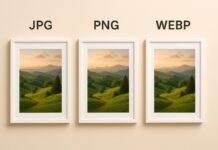
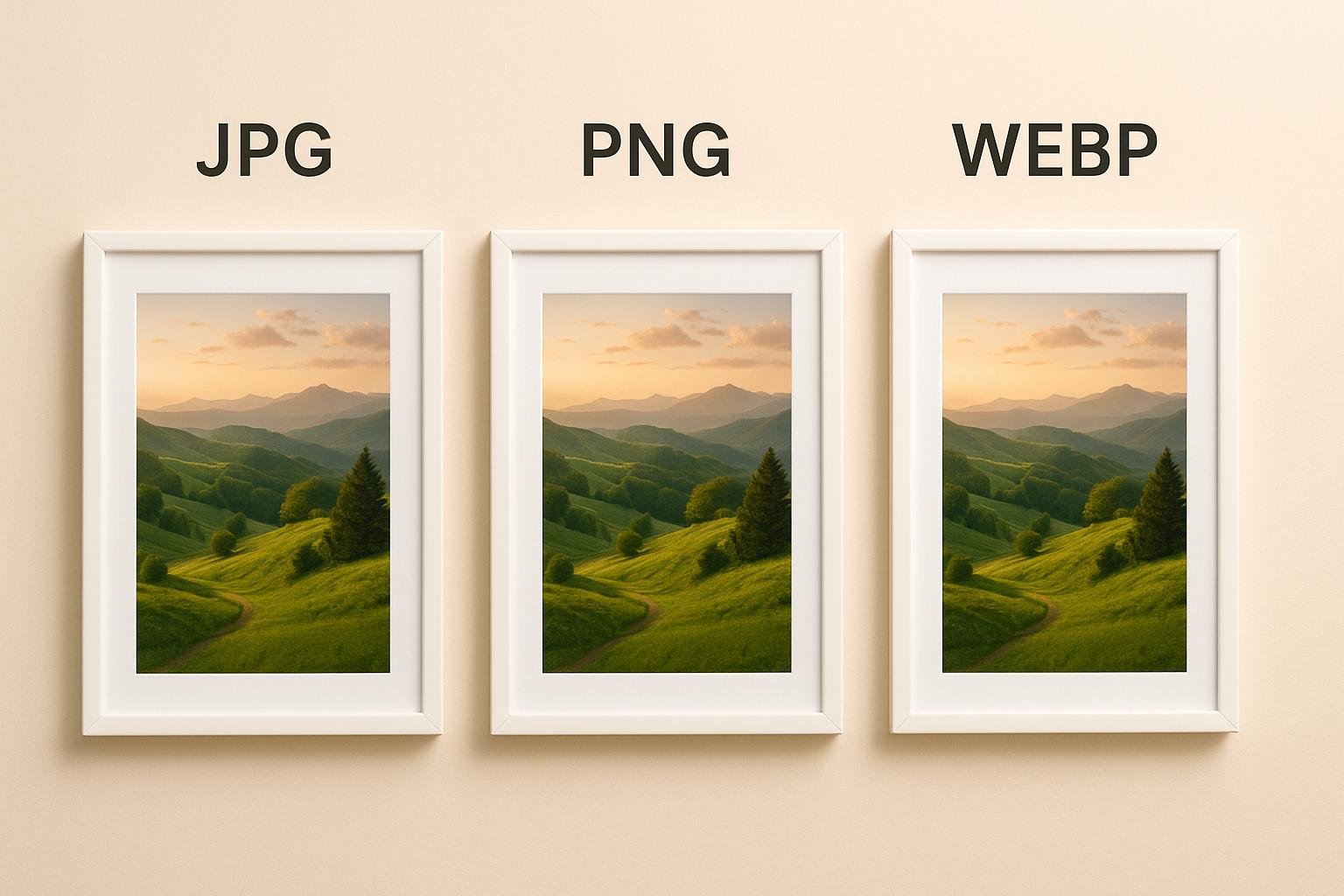
Use JPG for photographs.
Use PNG for logos, graphics, and transparency.
Use WebP for modern websites requiring smaller file sizes.
Keep original editable files whenever possible.
Selecting the proper format improves both quality and performance.
Saving Over the Original File
Editing directly on the only copy of an image creates unnecessary risk.
Mistakes become difficult or impossible to reverse.
How to Avoid It
Always keep the original image.
Create duplicate copies before editing.
Save edited versions using separate filenames.
Maintain organized project folders.
This approach protects your work and allows future revisions.
Ignoring Image Resolution
Using images with insufficient resolution leads to blurry prints and pixelated graphics.
Conversely, unnecessarily large images waste storage space and slow websites.
How to Avoid It
Match image resolution to its intended purpose.
Resize before exporting.
Use appropriate dimensions for websites, social media, and printing.
Keep high-resolution originals for future use.
Poor Composition During Editing
Editing cannot completely fix poor composition.
Cropping too tightly or placing subjects awkwardly often reduces visual balance.
How to Avoid It
Follow composition principles.
Use leading lines.
Maintain balanced spacing.
Leave enough room around important subjects.
Improve framing while preserving natural proportions.
Overusing Filters
Filters provide quick editing effects, but applying strong filters to every image creates inconsistent and unrealistic results.
How to Avoid It
Use filters only when they support the intended style.
Reduce filter intensity.
Customize adjustments instead of relying entirely on presets.
Maintain consistency across your entire collection.
Professional editing often requires only minimal filtering.
Ignoring Shadows and Highlights
Many beginners brighten every part of an image equally.
This reduces depth and makes photographs appear flat.
How to Avoid It
Adjust highlights separately from shadows.
Preserve detail in bright areas.
Recover shadow information carefully.
Maintain natural contrast throughout the image.
Balanced lighting creates more realistic photographs.
Forgetting to Straighten Images
Slightly tilted horizons are surprisingly common.
Crooked buildings, oceans, or landscapes immediately make images appear less professional.
How to Avoid It
Check horizontal and vertical lines before exporting.
Use alignment tools available in most editing software.
Straightening usually requires only a few seconds.
Poor Text Placement
Adding text directly over busy backgrounds reduces readability.
Important marketing messages become difficult to see.
How to Avoid It
Place text on clean areas.
Use sufficient contrast.
Leave comfortable spacing around letters.
Keep fonts simple and readable.
Good typography improves communication.
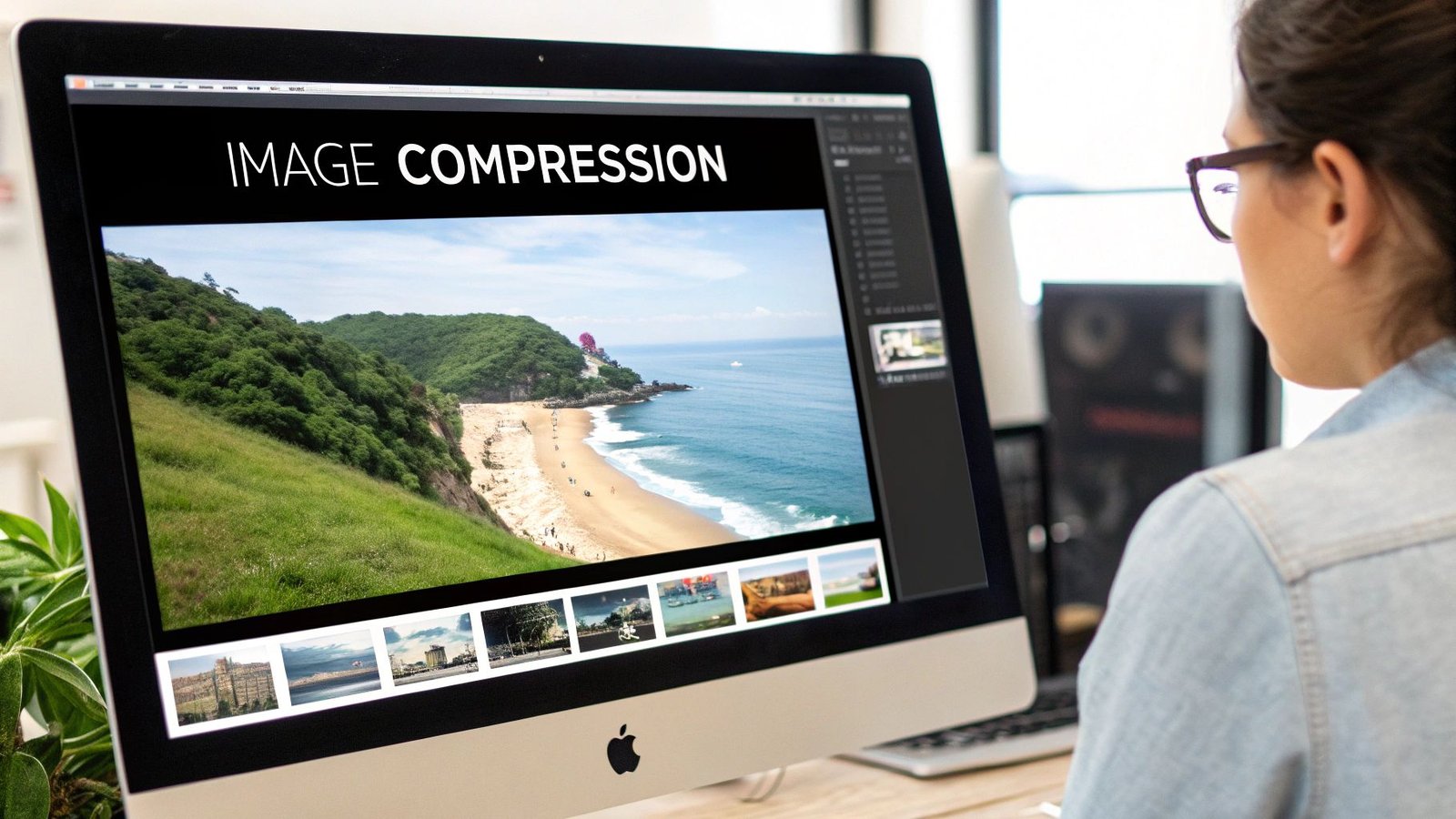
Compressing Images Too Much
Heavy image compression reduces file size but introduces visible artifacts, blurred textures, and reduced detail.
How to Avoid It
Use moderate compression.
Preview the exported image.
Balance quality with file size.
Choose modern formats such as WebP when appropriate.
Professional optimization maintains both speed and appearance.
Ignoring Color Consistency
Images used together should share a consistent editing style.
Large differences in brightness, color temperature, or contrast create an inconsistent appearance.
How to Avoid It
Edit similar images using comparable settings.
Create editing presets.
Review collections before publishing.
Maintain a recognizable visual identity.
Consistency strengthens branding.
Editing Without a Purpose
Many beginners continue adjusting images simply because editing tools are available.
Unnecessary changes often reduce quality.
How to Avoid It
Decide the purpose before editing.
Identify the specific improvements needed.
Stop once the desired result has been achieved.
Avoid making changes that do not improve the final image.
Skipping Final Quality Checks
Exporting an image without reviewing it often allows mistakes to go unnoticed.
Minor problems become obvious only after publication.
How to Avoid It
View images on multiple devices.
Check colors.
Inspect sharpness.
Verify cropping.
Confirm text readability.
Review the final file before uploading or printing.
Best Practices for Professional Image Editing
Begin with the highest-quality original image.
Work on duplicate copies.
Maintain natural colors.
Use moderate sharpening.
Apply careful noise reduction.
Resize images before exporting.
Choose the correct file format.
Optimize file size without sacrificing quality.
Maintain consistent editing styles.
Review every image before publishing.
Following these habits produces cleaner, more professional results while saving time during future projects.
Future Trends in Image Editing
Modern image editing continues evolving through artificial intelligence and advanced automation. AI-powered tools now assist with object removal, background replacement, color correction, portrait enhancement, and image restoration. While these technologies speed up editing, the best results still depend on thoughtful human decisions.
Successful editors use AI as a helpful assistant rather than allowing it to completely control the creative process. Combining intelligent tools with careful editing techniques produces images that remain both realistic and visually impressive.
Conclusion
Image editing is a valuable skill that can dramatically improve photographs and digital graphics when used correctly. The most common mistakes include over-editing, excessive sharpening, unrealistic colors, poor cropping, incorrect file formats, heavy compression, and inconsistent editing styles. Fortunately, these issues can be avoided by making gradual adjustments, preserving original files, maintaining natural colors, choosing the correct export settings, and reviewing every image before publication.
Professional-looking images do not require extreme editing. They require careful attention to detail, balanced adjustments, and a clear understanding of the image’s purpose. By avoiding these common editing mistakes and following proven best practices, you can create high-quality visuals that look natural, perform well across websites and social media platforms, and leave a lasting impression on your audience.